- Home
- Free Courses
- IT Support Basics: Your First Help Desk Ticket
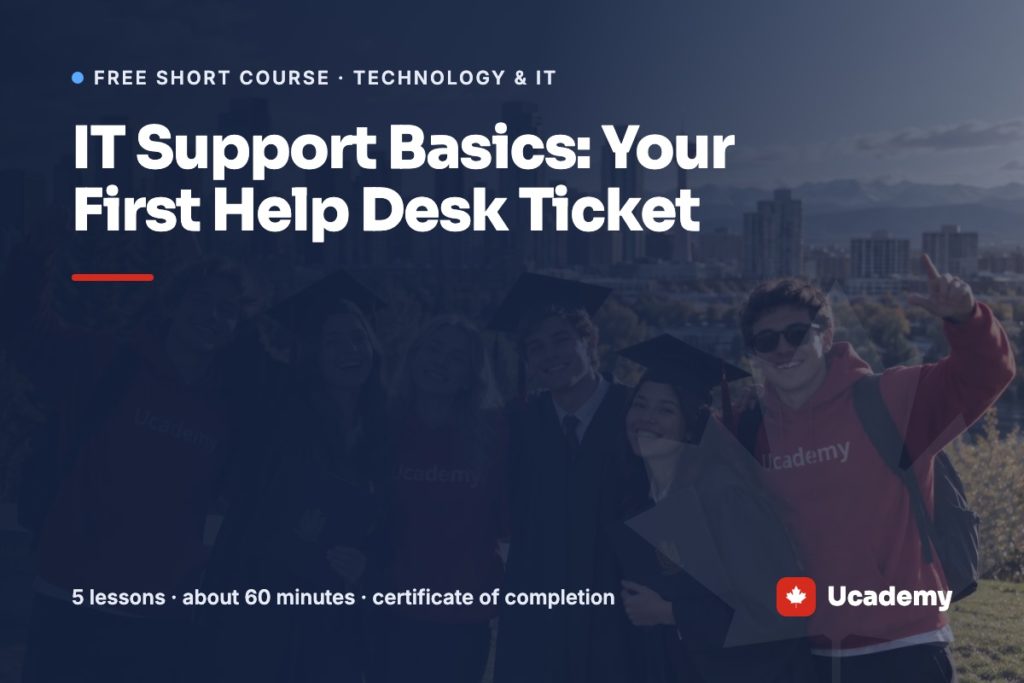
IT Support Basics: Your First Help Desk Ticket
Follow one request from ticket to fix and learn how an IT help desk works. Five short lessons and a quiz, with a certificate of completion.
Already have a campus account? Open the course
The short version
Free, no payment details
Sign up with your name and e-mail and confirm it with a 6-digit code. There is nothing to buy.
About 60 minutes
5 short lessons and one final quiz. Your progress is saved, so you can stop and come back on any device.
Certificate of completion
Finish every lesson and score 70% or more on the final quiz. Retakes are unlimited.
Not a program
This free short course is not part of a Ucademy diploma or certificate program and gives no program credit.
What you will learn
- Explain what an IT help desk does and how tickets, priorities and tiers work
- Use a repeatable troubleshooting method from first question to documented fix
- Work through common problems: locked accounts, no internet, slow computers and printers
- Write a ticket summary, step notes and resolution that another technician can follow
- Explain technical problems to users in plain language and keep them updated
- Verify identity, handle a phishing report and respect privacy as a support technician
Who it is for
Adults who are curious about IT support or the help desk, career changers, and anyone who is the go-to computer person at work and wants a clearer method. No IT experience is needed.
What you need
- A computer or tablet with an internet connection
- About 60 minutes in total, which you can split across several days
- No special software; everything is explained in the lessons
Lessons
- 1What a help desk does and how tickets work12 min
- 2Asking the right questions and troubleshooting step by step12 min
- 3Fixing the most common problems12 min
- 4Writing tickets and talking to users12 min
- 5Security, privacy and where to go next12 min
- ✓IT Support Basics: final quizfinal quiz
Where this course can lead
IT Professional Certificate
This course is a short, practical introduction. The full program goes much further: 420 hours online: IT support, hardware, operating systems, networking and desktop administration.
Related reading
More free technology & it courses

Safe Job Search: Phishing Basics
Learn how phishing and fake job offers work in Canada, how to spot the warning signs, and what to do if you clicked or paid. Six…
See the course →
Python Basics for Complete Beginners
Learn the core ideas of Python programming from scratch: variables, decisions, lists, loops and functions. Five short lessons and a quiz, with a certificate of completion.
See the course →
Cyber Hygiene: Protect Your Accounts and Devices
A free cybersecurity course for beginners: strong passphrases, multi-factor authentication and passkeys, updates, backups and safe Wi-Fi, using Canadian Centre for Cyber Security guidance. Five short…
See the course →Frequently asked questions
Yes. You create a free Ucademy account and take the five lessons and the quiz at no cost.
Yes. When you finish the lessons and pass the quiz you receive a certificate of completion from Ucademy. The course is not part of a Ucademy diploma or certificate program.
About 60 minutes in total. It is self-paced and online, so you can split it across several days.
No. The lessons assume only that you can use a computer. Technical terms are explained when they first appear.
You will learn how tickets and priorities work, a method for troubleshooting, fixes for common problems, how to write clear ticket notes and how to protect accounts and privacy.
No. It is a free short course, not part of a Ucademy diploma or certificate program, and it does not give program credit.
Start IT Support Basics: Your First Help Desk Ticket today
Free, online and at your own pace, with a certificate of completion.