

What an IT support technician’s day looks like in Alberta
IT support technician is one of the most common entry points into a technology career in Alberta — and one of the most misunderstood. People sometimes picture it as sitting alone fixing computers all day. In reality, the job is a mix of troubleshooting, communication, and problem-solving under time pressure, spread across energy company offices, Alberta Health Services (AHS) sites, government departments, and the managed service providers (MSPs) that support smaller businesses across the province. Here is what a typical day can look like.
- The day: ticket triage, password resets and access fixes, hardware problems, calls from non-technical staff, escalations and documentation. Patience and clear explanations matter as much as technical skill.
- Hours (Job Bank, Alberta): 93% of IT support (user support) technicians work full-time, against 80% across all occupations, and 73% work all year, against 61%.
- Size and outlook: about 9,700 people are employed in the occupation in Alberta. Job Bank rates the 2025–2027 outlook Moderate overall and Limited in five of eight regions.
- The downsides: relentless ticket volume, short-tempered users, constant interruptions and the same basic problems repeating.
- Where it leads: network administration, systems administration or cybersecurity, because support work shows you how the systems fit together.
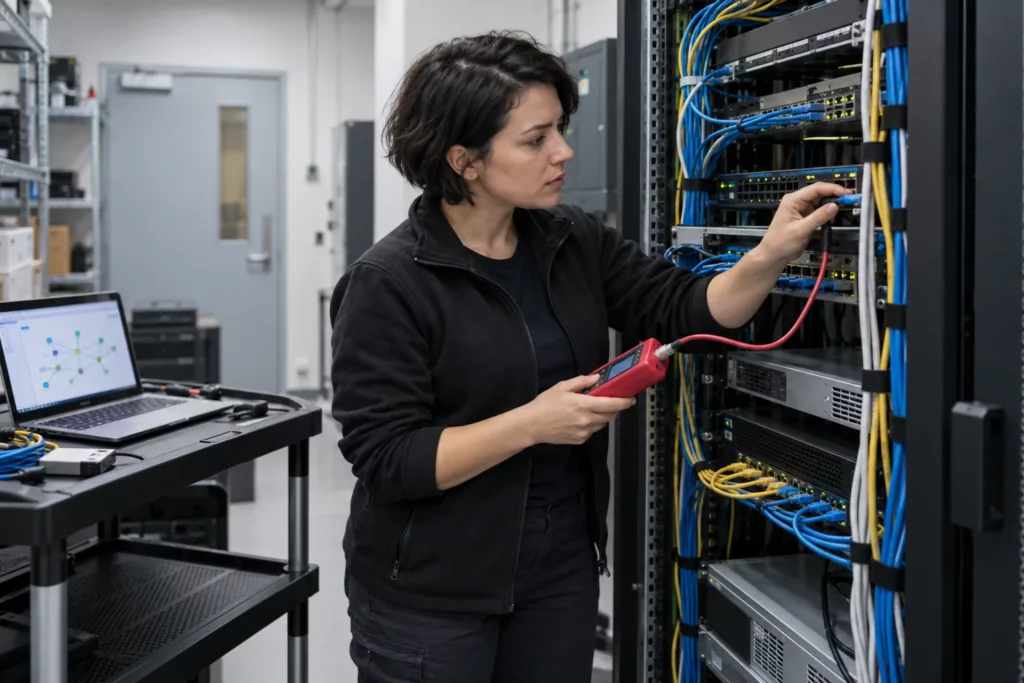
8:00 a.m. — Ticket triage
The day usually starts with the ticket queue. Overnight, a handful of new requests have come in: someone in Calgary can’t log into their email before an early meeting, a printer in a Red Deer branch office is offline, and a manager in Edmonton is asking why their laptop is running slowly. Part of the job is triage — deciding what is urgent, what can wait, and what needs to be escalated immediately.
A technician working for an MSP might be triaging tickets from five or six different client companies at once, each with its own systems and quirks. A technician working inside AHS or a provincial government department is more likely to be working within one large, standardized environment, but with a much bigger volume of end users depending on it.
9:00 a.m. — Password resets and access issues
Password resets sound simple, and technically they are — but the real skill is verifying identity properly before making any change. In a healthcare or government environment, that verification step matters enormously, since a mistake could hand account access to the wrong person. A good technician follows the process every time, no matter how busy the queue is or how much the user is asking to skip a step.
Access issues also come up constantly: someone has been moved to a new department and needs different file permissions, or a new hire’s account was never fully provisioned. These tickets are quick individually but add up over the course of a day.
10:30 a.m. — Hardware issues
Not everything can be solved remotely. A technician might walk over to a desk, or drive to a nearby office, to deal with a laptop that won’t power on, a docking station that has stopped charging, or a monitor that has lost its display signal. Hardware troubleshooting is methodical: check the obvious things first (cables, power, drivers) before assuming a full replacement is needed. In many organizations, technicians also manage a small inventory of spare laptops and peripherals so a broken device doesn’t leave someone unable to work for a full day.

Midday — Helping non-technical staff
This is where people skills matter as much as technical skills. The person calling the help desk is often frustrated, in a hurry, or worried they broke something. A technician has to stay calm, explain what is happening in plain language, and avoid jargon that makes the person feel worse. Patience here is not a soft extra — it is a core job skill, and it is one of the reasons technical training alone does not fully prepare someone for this role.
In sectors like energy or healthcare, the person on the other end of the ticket might be a field engineer trying to submit a report before a deadline, or a nurse trying to access a scheduling system before a shift change. Understanding the pressure someone is under changes how you prioritize and how you communicate.
1:30 p.m. — Escalations
Some problems are beyond what a front-line technician can resolve alone — a network outage affecting an entire floor, a server issue, or a security alert that needs a specialist’s attention. Part of the job is recognizing when to escalate rather than spending an hour trying to solve something that needs a different skill set. Escalating well means documenting exactly what has been tried already, so the next person doesn’t have to start from scratch. This is also where a support technician starts to see, close-up, what network administrators, systems administrators, and cybersecurity analysts actually do — which is often where the next step in their own career comes from.
2:30 p.m. — Documentation
Documentation is one of the least glamorous parts of the job and one of the most valuable. Every resolved ticket gets a note describing what the problem was and how it was fixed, so the same issue can be solved faster next time — by you or by a teammate. Larger Alberta organizations, especially in healthcare and government, also require documentation for compliance and audit purposes. Technicians who document clearly and consistently tend to be trusted with more responsibility over time.
| Time | Work | Skill it builds |
|---|---|---|
| 8:00 a.m. | Ticket triage | Deciding what is urgent, what can wait and what to escalate |
| 9:00 a.m. | Password resets and access issues | Verifying identity every time, however busy the queue |
| 10:30 a.m. | Hardware problems | Methodical checks: cables, power and drivers before replacement |
| Midday | Helping non-technical staff | Plain language, calm and patience |
| 1:30 p.m. | Escalations | Knowing your limits and documenting what you tried |
| 2:30 p.m. | Documentation | Clear ticket notes that save time for you and your team |
Times are illustrative; the order of a real day changes with the queue.
What’s satisfying about the job
There is a real, immediate payoff to IT support work: you fix something, and the person in front of you (or on the phone) is instantly relieved and grateful. Few entry-level roles give you that direct, visible impact multiple times a day. There is also constant variety — no two tickets are identical, and the job keeps you learning.
What’s frustrating about the job
It is not all satisfying. Ticket volume can be relentless, some users are short-tempered, and the same basic issues (forgotten passwords, accidental deletions) repeat endlessly. Interruptions are constant, which makes focused, complex troubleshooting harder to schedule. New technicians who go in expecting every day to be exciting often burn out; the ones who succeed learn to find satisfaction in the small, repeated wins.
IT support work in Alberta by the numbers
Official data about IT support (user support) technicians. It describes these jobs across the province, not what Ucademy students will earn, and it shows the less favourable figures as well as the favourable ones.
Source: Job Bank (NOC 22221) · outlook updated Dec 10, 2025.
Data checked October 19, 2026: Job Bank wages updated Nov 19, 2025, outlooks Dec 10, 2025; hours and months worked are from Job Bank. Occupation data, not a program outcome.
Where the role leads
IT support is rarely meant to be a permanent destination — it’s a foundation. The daily exposure to networks, servers, security tools, and business systems is a common route into network administration, systems administration or cybersecurity roles. Employers in Alberta’s energy sector, in AHS, in government IT departments and at MSPs often promote from within support teams, because those technicians already understand how the organization’s systems work in practice, not just in theory.
Related reading:
- IT Help Desk Jobs in Alberta: Entry-Level Roles and How to Get Started
- IT Support vs Cybersecurity: Which Tech Career Is Right for You?
- Networking Basics for Beginners: How the Internet Actually Works
Building the foundation
Ucademy’s IT Professional Certificate is built around the skills that show up in this kind of day: troubleshooting methodology, networking fundamentals, hardware and software support, help desk best practices, and the communication skills that separate a good technician from a merely technical one. You can review the program outline on the IT Professional Certificate page or request information.
Sources
- Job Bank: employment outlook for user support technicians (NOC 22221), Alberta
- Job Bank: summary for user support technicians (NOC 22221), Alberta
Checked October 20, 2026.
Train for this career
Ucademy's online IT Professional Certificate is designed to help you build the skills employers look for.