
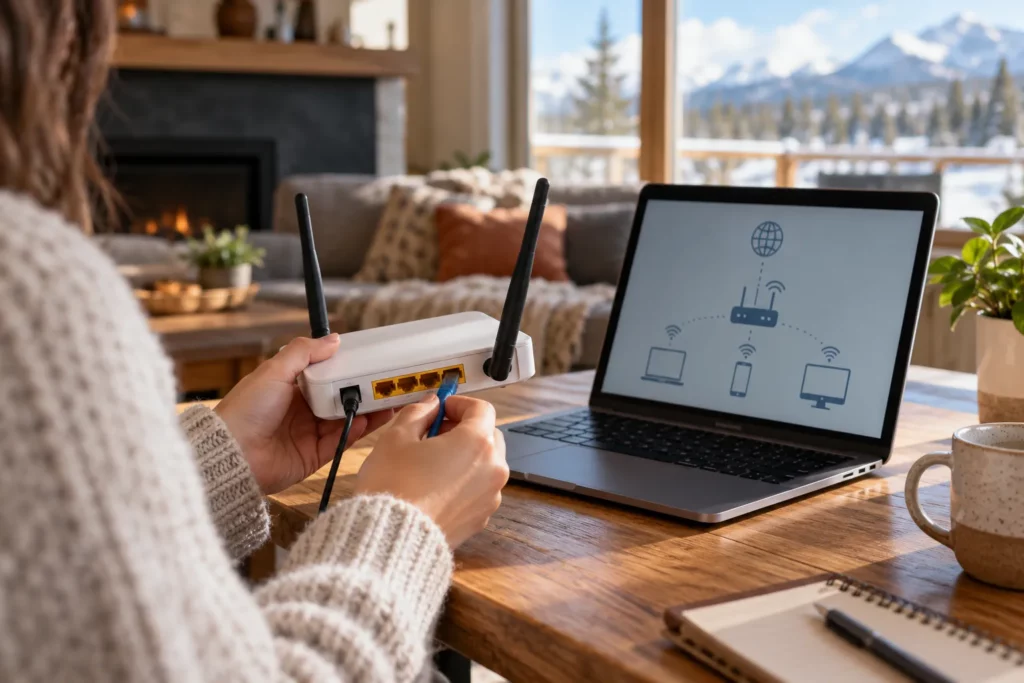
Why networking basics matter, even if you never touch a router
Every website you load, every video call you join, and every file you save to the cloud depends on a huge, invisible system of addresses, signals, and rules working together in a fraction of a second. Most people never think about it. But if you are heading into IT support, software development, or cybersecurity, understanding how the internet actually works is not optional background knowledge — it is the foundation everything else sits on.
Networking looks complicated until you break it into plain pieces. This guide covers the core concepts with everyday analogies: IP addresses, DNS, routers and switches, packets, ports, HTTPS and Wi-Fi versus ethernet.
- An IP address identifies a device; DNS turns a name such as ucademy.ca into an address.
- Switches move data inside one network; routers connect different networks.
- Data travels in small packets, and a port number tells the receiving device which service should handle each one (80 for HTTP, 443 for HTTPS).
- HTTPS encrypts the connection between your browser and a site. It does not prove the site itself is trustworthy.
- Help desk, network and cybersecurity roles all use these ideas daily.

IP addresses: every device needs a mailing address
An IP address is a unique number assigned to a device on a network, similar to a street address for a house. When your laptop sends information across the internet, it needs to know where that information is going, and the receiving server needs to know where to send a reply. That is what an IP address does.
You will hear about two versions:
- IPv4 is the older format, written as four numbers separated by dots (like 192.168.1.1). It has been the standard for decades, but the supply of new IPv4 addresses has run out.
- IPv6 is the newer format, written as a longer string of letters and numbers. It was created because IPv4 simply could not provide enough unique addresses for every phone, laptop, smart thermostat, and server on the planet.
For a beginner, the key takeaway is simple: IP addresses are how devices find each other, and there are two generations of the addressing system currently running side by side.
DNS: turning names into addresses
Nobody wants to memorize a string of numbers to visit a website. That is where DNS, the Domain Name System, comes in. Think of DNS as the internet’s phone book, or more accurately, an automatic contact lookup. When you type a web address like ucademy.ca into your browser, your device asks a DNS server, “what is the IP address for this name?” The DNS server replies with the correct address, and your browser connects to that server directly.
This translation happens in milliseconds and is completely invisible to most users. But when DNS breaks or is misconfigured, websites become unreachable even though the servers themselves are running fine. Understanding DNS is one of the first real troubleshooting skills anyone in IT support learns, because “the internet is down” is very often actually “DNS is not resolving.”
Routers and switches: directing traffic
Once addresses are sorted out, something has to physically move the information along the right path. That is the job of routers and switches.
- A switch connects devices within the same local network, like all the computers in one office, and forwards information directly between them.
- A router connects different networks to each other, most commonly your home or office network to the wider internet. It reads the destination address on each piece of data and decides which direction to send it next.
A simple way to picture it: switches manage traffic within a building, and routers manage traffic between buildings, cities, and countries.
Packets: information travels in small pieces
Data does not travel across the internet as one solid block. It gets broken into small chunks called packets, each labelled with where it came from and where it is going, similar to numbered pages of a document mailed separately and reassembled on arrival. This approach makes networks more efficient and resilient. If one packet gets lost or delayed, only that piece needs to be resent, rather than the entire file.
Routers along the way read the address on each packet and pass it toward its destination, often through several hops between different networks before it arrives.
Ports: the right door for the right service
An IP address gets data to the correct device, but a port tells that device which application should handle it. Think of the IP address as a building’s street address and the port as the specific suite number inside. A server can run a website, an email service, and a file transfer service all at the same time, on the same IP address, because each service listens on a different port number.
For example, standard web traffic typically uses port 80 for HTTP and port 443 for secure HTTPS traffic. Knowing this is especially useful in cybersecurity, where identifying which ports are open on a system is a basic part of assessing security risk.
HTTP vs HTTPS: what the encryption does
HTTP, or HyperText Transfer Protocol, is the set of rules browsers and servers use to exchange web pages. HTTPS is the secure version, adding encryption so that information passing between your browser and the website cannot be easily read or tampered with by someone intercepting the connection.
Browsers show HTTPS in the address bar, usually with a padlock or a similar icon, and label many unencrypted pages “Not secure”. Any site asking for a password, payment information or personal details over plain HTTP should be treated with caution. HTTPS protects the connection; it does not vouch for the site’s owner, so a lookalike scam site can use it too. This distinction is a small detail with a big impact on everyday online safety, and it is one of the first things cybersecurity training teaches people to check automatically.
- 1DNS lookupYour device asks a DNS server for the IP address that goes with the name.
- 2ConnectionYour browser connects to that address, on port 443 for HTTPS.
- 3EncryptionThe two sides agree on encryption so others on the path cannot read the traffic.
- 4Request in packetsYour request is split into packets that routers pass along, hop by hop.
- 5ReplyThe server sends the page back the same way and your browser displays it.
Simplified. Real connections involve more steps, but this is the order a beginner needs to know.
Wi-Fi vs ethernet: wireless convenience versus wired reliability
Both Wi-Fi and ethernet connect your device to a network, but they do it differently:
- Wi-Fi uses radio signals, offering convenience and mobility, but performance can be affected by distance, walls, and interference from other devices.
- Ethernet uses a physical cable, generally offering a faster and more stable connection because it is not competing with other wireless signals.
In a home, Wi-Fi’s flexibility usually wins out. In a business server room or for critical infrastructure, ethernet’s reliability is often preferred. IT support staff regularly need to diagnose whether a connectivity problem is a Wi-Fi signal issue or something deeper in the network. On public Wi-Fi, treat the network as shared with strangers; the Government of Canada’s Get Cyber Safe campaign has guidance on securing your connections.
| Term | Plain meaning | Analogy | Where a tech worker uses it |
|---|---|---|---|
| IP address | A device’s address on a network | Street address | Checking why a device cannot connect |
| DNS | Turns names into IP addresses | Phone book | Fixing “the internet is down” reports |
| Switch | Connects devices inside one network | Traffic inside a building | Office network setup |
| Router | Connects networks to each other | Traffic between cities | Linking an office to the internet |
| Packet | A small labelled piece of data | Numbered pages mailed separately | Reading network traffic |
| Port | Directs data to a service on a device | Suite number | Spotting unexpected open ports |
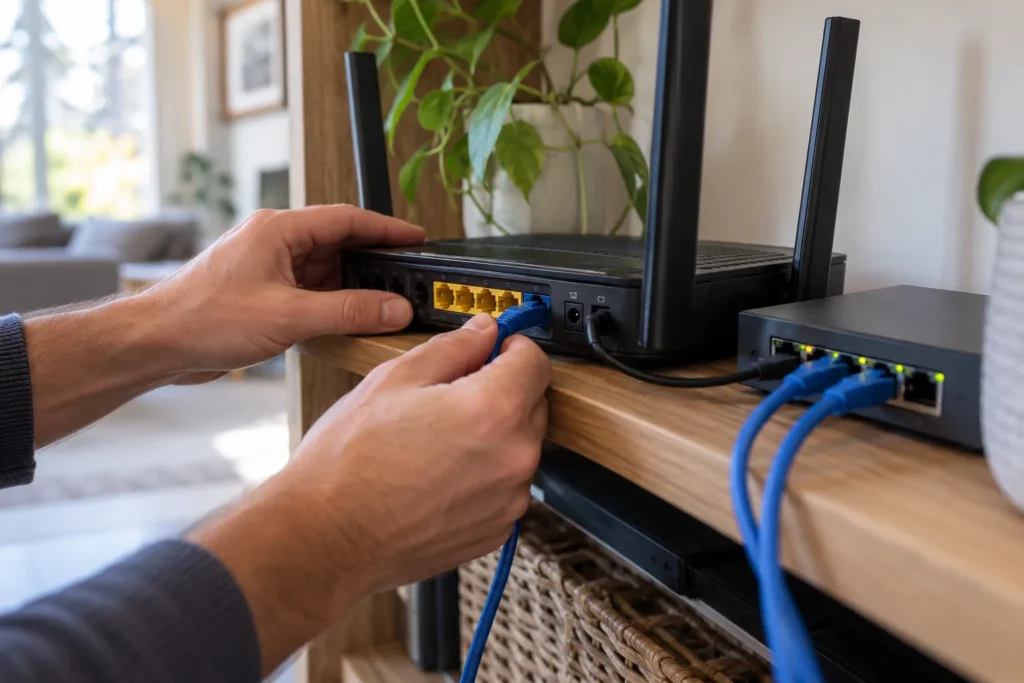
Where help desk, network and cybersecurity roles use these ideas
These fundamentals show up constantly in real tech jobs:
- Help desk and IT support staff use this knowledge daily to diagnose why a user cannot connect, load a website, or access a shared drive. See a day in the life of an IT support technician in Alberta.
- Network technicians build and maintain the routers, switches, and cabling that make all of this work reliably at scale.
- Cybersecurity professionals need to understand ports, protocols, and traffic flow to recognize when something abnormal, like an unexpected open port or unencrypted traffic, signals a potential risk. Our guide on what a cybersecurity analyst does shows where this shows up.
You do not need to memorize every technical detail today. What matters is building the mental model: addresses identify devices, DNS translates names, routers and switches move traffic, packets carry the data, ports direct it to the right service, and HTTPS keeps it private. Once these pieces click, the rest of IT and tech education becomes much easier to absorb.
Where to go after the basics
Networking basics are a starting point. To see how they connect to a full career path, review Ucademy’s IT Professional Certificate, or visit the request information page with your questions.
Sources
- Government of Canada, Get Cyber Safe (securing your connections, public Wi-Fi)
- Canadian Centre for Cyber Security
Checked October 20, 2026.
Related reading: Is an Online IT Certificate Worth It in Canada?
Train for this career
Ucademy's online IT Professional Certificate is designed to help you build the skills employers look for.